Use your unofficial Collin transcript to explore a possible UNT Bachelor of Applied Arts and Sciences path. It takes about four minutes. Everything stays in your browser, with no upload or account needed. A UNT advisor can help you confirm the details.
A short coded walkthrough of the transfer planner, ending on a degree map.
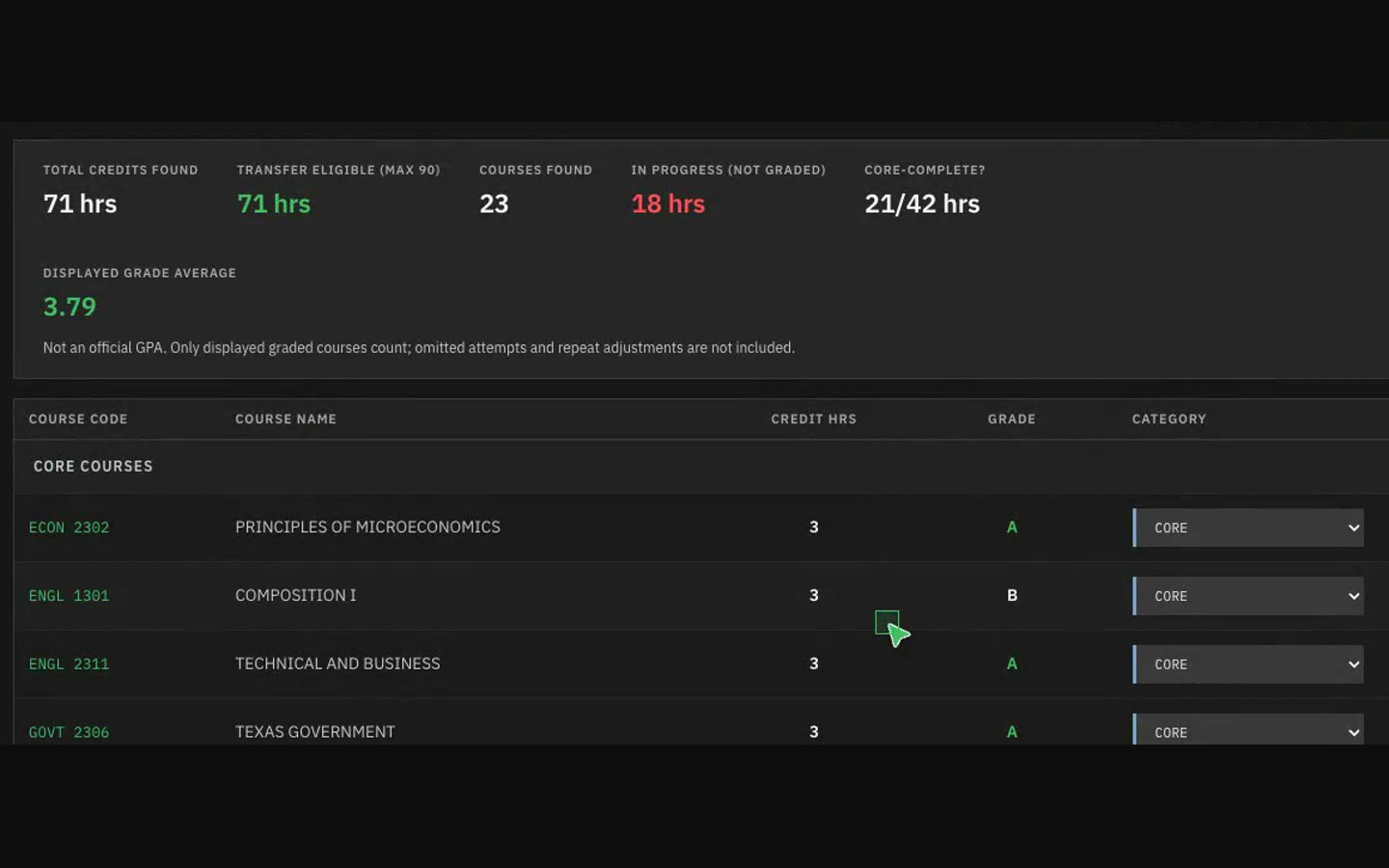
Bring your audit. Leave with a degree map.
Inferred from what has actually been taught since 2016, not a schedule UNT published.
Still in the catalog, but nobody has taught it in years. Building a plan on it is how people lose a semester.
No record it has ever run. It may be new, or it may be a ghost entry. Either way, don't count on it.
Taught in Fall term after Fall term and never in Spring, going back years. A pattern, not a promise from the registrar.
You may not have what it requires. Checked against your transcript, not against a generic assumption.
Fits the concentration you chose, weighted by what your existing credits already cover.
These flags are inferences drawn from scraped teaching history. UNT publishes it openly; we read what is already public.
Student ratings, by name. Useful, and the reason you end up typing a professor's name from memory into a search box eight times in a row.
Real grade distributions per section, per instructor.
Authoritative on what exists and what it requires. Silent on what actually runs next Fall, which is the one thing you need to build a plan.
UNTgrades.app is another UNT student's project. Linked because it's genuinely useful, with credit where it's due.
Your transcript is read in your browser, not uploaded. Parsed courses and plans are saved on this device. Use Clear data before leaving a shared computer.
The PDF is not saved by the app. Parsed courses and plans stay in browser storage until cleared. Website files and external links still use the network.
Start with the unofficial transcript PDF from your Collin portal.